Section 6: Testing the deployment
Step 6.1: Ingress test
Using the floating public IP assigned to the FortiGate-A untrust port, try to reach the spoke VMs using the specific ports configured earlier:
text
TCP/2244
TCP/2245
SSH to Spoke1-VM:

SSH to Spoke2-VM:

Verification:
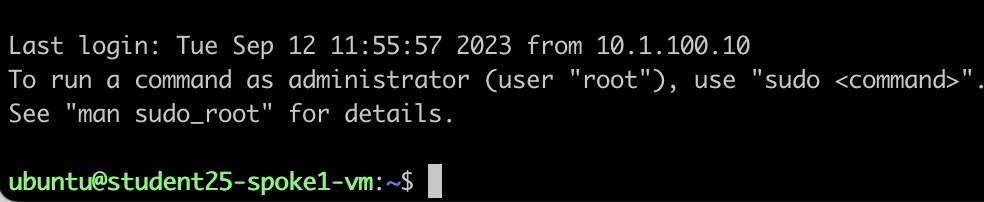

Check the FortiGate traffic logs.
Navigation path:
text
Log & Report > Forward Traffic
Step 6.2: Egress test
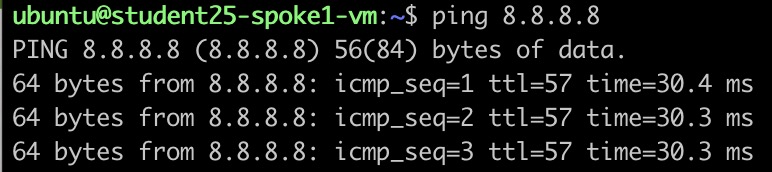
Try to ping Google DNS 8.8.8.8 from Spoke1-VM or Spoke2-VM.
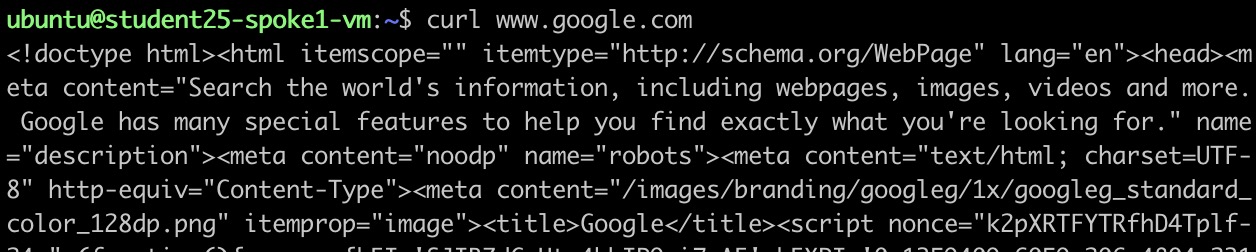
You can also use the curl command to reach www.fortinet.com.
Check the FortiGate traffic logs.
Navigation path:
text
Log & Report > Forward Traffic
Step 6.3: East/West test
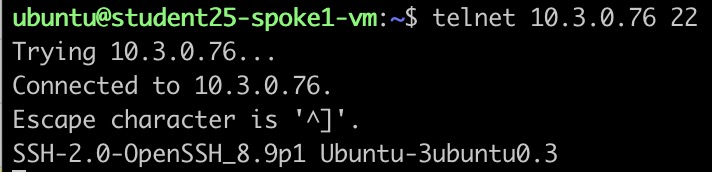
Try to reach Spoke2-VM from Spoke1-VM using SSH or Telnet to TCP port 22, as shown below.
Check the FortiGate traffic logs.
Navigation path:
text
Log & Report > Forward Traffic
Checkpoint
Before continuing, confirm that:
- SSH access to Spoke1-VM works through TCP port
2244. - SSH access to Spoke2-VM works through TCP port
2245. - Ingress traffic appears in the FortiGate forward traffic logs.
- Spoke1-VM or Spoke2-VM can reach
8.8.8.8. - The
curltest towww.fortinet.comsucceeds. - Egress traffic appears in the FortiGate forward traffic logs.
- Spoke1-VM can reach Spoke2-VM using TCP port
22. - East-West traffic appears in the FortiGate forward traffic logs.